Help
How to add your tracking number.
Shipped your sample? Add the tracking number to your order and we'll watch for the box. It also helps us match your package fast if the slip goes missing. Takes about a minute.
- 02
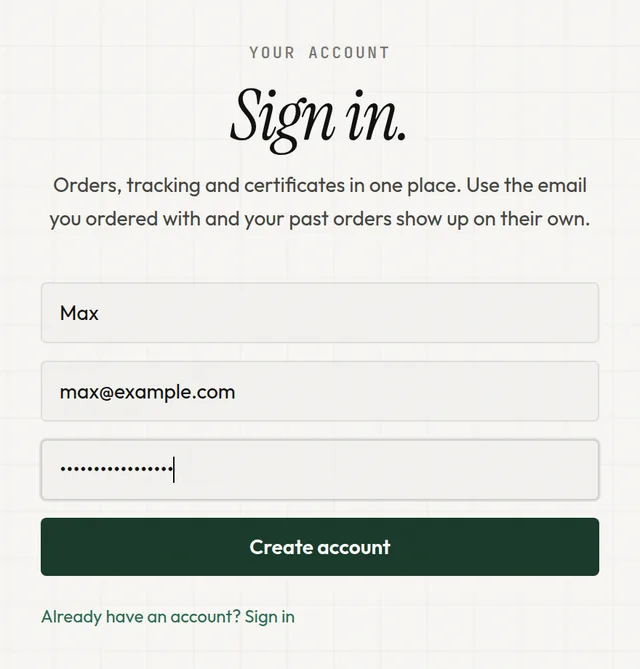
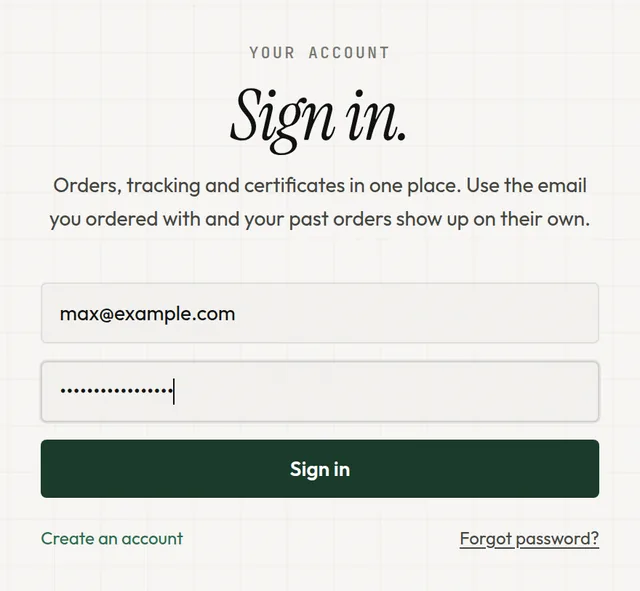
No account yet? Make one
Hit Create an account and sign up with the same email you ordered with. Confirm the email we send you, and your orders show up on their own, even the ones from before.
- 03
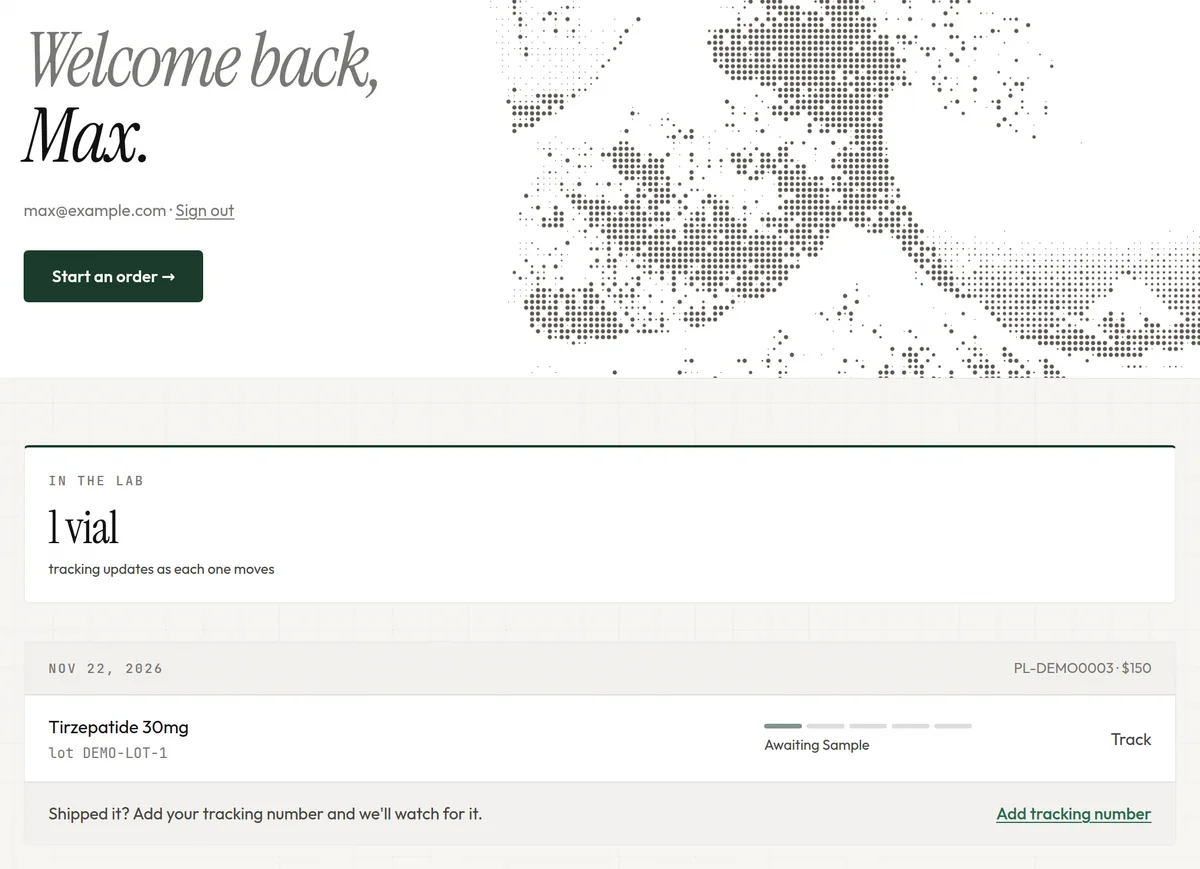
Find your order
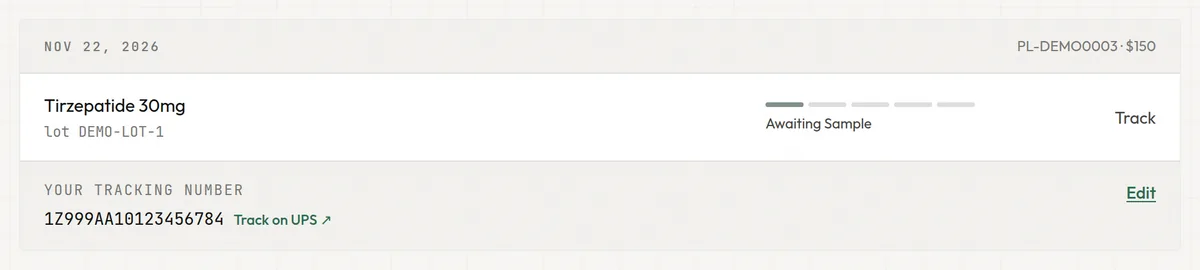
Your orders are listed on your account. The one you just shipped says Awaiting Sample.
- 04
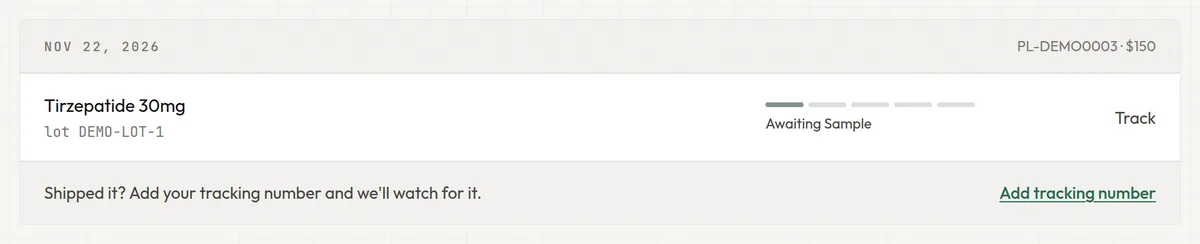
Click Add tracking number
It's at the bottom of the order.
- 05
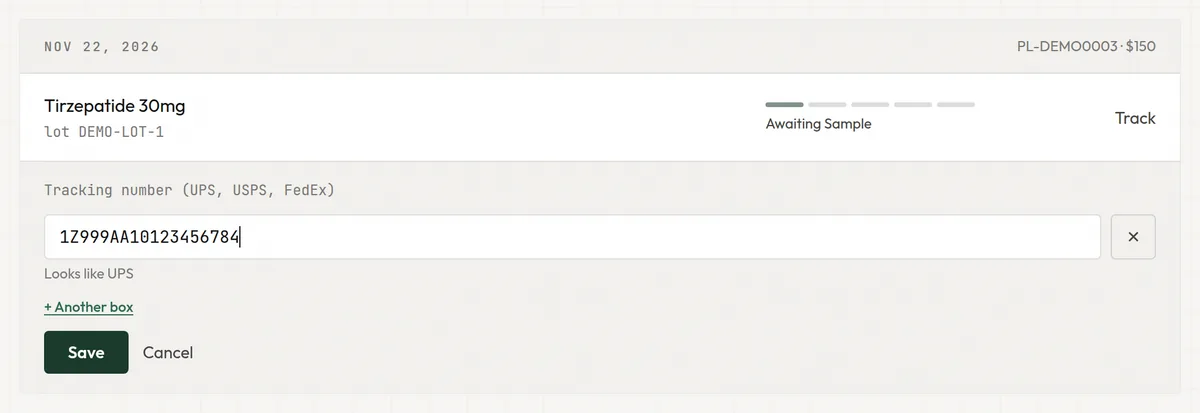
Paste your number and hit Save
Copy it from your shipping receipt or label app. We tell you if it looks like UPS, USPS or FedEx. Sent more than one box? Hit + Another box, up to 5.
- 06
That's it
Your number shows on the order with a link to the carrier's tracking page. You can edit or remove it until we mark your sample received.
Stuck? Message us with your order number and tracking number.